Review · Tools of the trade
CorelDraw vs Illustrator in Pakistan: Which One Should a Print Designer Use in 2026?
 By Kashif RehmanPublished 17 September 2026Updated 17 September 20269 min read
Short answer
If most of your work goes to local press shops, panaflex printers and clients who send CDR files, learn CorelDraw first. If you design logos, illustration or work for agencies and overseas clients, Illustrator is the stronger tool. Many working designers in Pakistan, including me, end up using both and moving files between them through PDF.
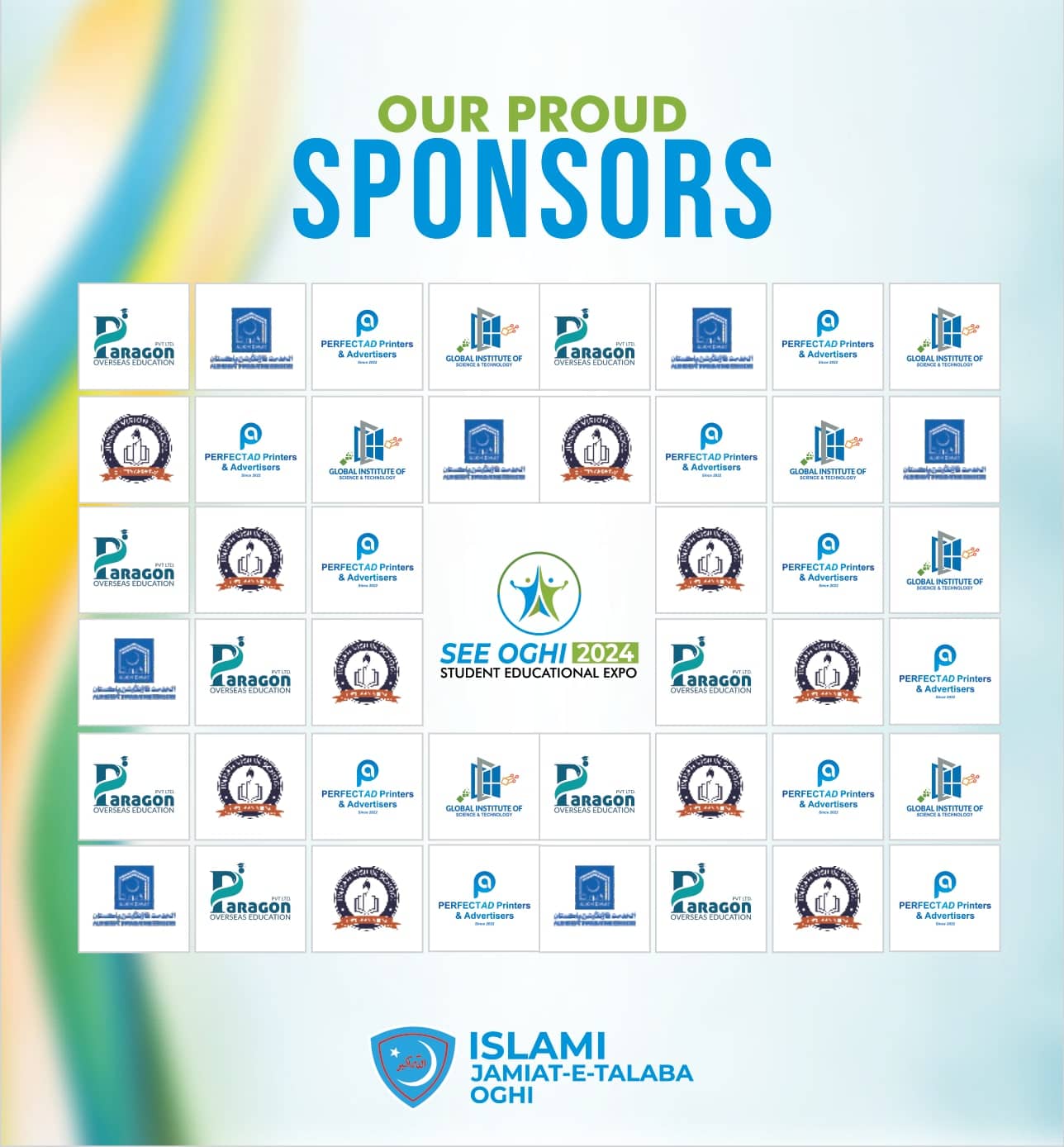
I use CorelDraw and Illustrator every week, and I don't see them as rivals so much as two tools that suit different jobs. The posters and social posts for the SEE Oghi 2024 student expo were built in CorelDraw. The Ghazzal identity mark and the drawn summit logotypes were built in Illustrator. This review explains why each job went where it did, and what that means if you are choosing one to learn or pay for in 2026.
Why do Pakistani printers keep asking for CDR files?
Walk into a printing shop in Lahore, Islamabad or Karachi and look at the screen behind the counter. It is usually running CorelDraw, often a version several years old. The operators learned on it, their whole print workflow is built around it, and when a customer says "change the phone number" they can do it in thirty seconds.
That is the CDR culture in one paragraph. It has real consequences for a designer:
- A shop that receives an AI or PSD file may ask you to "send it in Corel" because nobody there can edit it.
- A shop running an older CorelDraw cannot open a CDR saved from the newest version. CorelDraw's Save As dialog lets you pick an older version, and you should ask the shop which one they run.
- Operators sometimes edit your file without telling you. Fonts get substituted, a line of Urdu reflows, a logo is stretched to fill a different size.
For the SEE Oghi expo, the printed pieces (backdrop, sponsors wall, standees and holdings) all went to local printers on a short timeline for a student-run event. Working in the format the shop already uses means they can open and size the file on their own machine while you stay on the phone, and that is a large part of why the posters for that job lived in CorelDraw.
How do the prices and licences compare in 2026?
This is where the two products differ most, and it matters in rupees.
CorelDraw Graphics Suite 2026 is still sold two ways: a subscription (annual or monthly) and a one-time perpetual licence. At the time of writing, Corel's US store has listed the annual subscription at roughly US$270 a year and the perpetual licence at roughly US$550. Corel's own page notes that the perpetual version leaves out a number of subscription-only features and apps, such as the web version and monthly AI credits. Education editions are much cheaper for students and teachers who qualify.
Adobe Illustrator is subscription only. Adobe's US pricing for the Illustrator single-app plan has been around US$23 a month on an annual commitment in 2026, and the full Creative Cloud Pro bundle around US$70 a month. Adobe sometimes shows lower regional pricing for Pakistan, and it runs introductory offers, but several Pakistani users report the price changing on renewal.
A few practical points for paying from Pakistan:
- Both are billed in dollars. Your bank or card will add a foreign exchange margin and any applicable taxes on top of the listed price.
- Prices shown on these stores change with region, promotion and date. Check the official store on the day you buy.
- Cheap "lifetime" keys sold on social media and marketplaces are usually shared or unauthorised accounts. They get blocked, and a client project inside a blocked account is a bad day.
Over three or four years, a single CorelDraw perpetual licence usually costs less than paying for Illustrator every month. The trade-off is that you stay on the version you bought unless you pay to upgrade.
How do they compare side by side?
CorelDraw vs Illustrator at a glance (September 2026)
| Point | CorelDraw Graphics Suite | Adobe Illustrator |
|---|---|---|
| Licence | Subscription or one-time perpetual | Subscription only |
| Platforms | Windows, macOS, browser (subscription) | Windows, macOS, iPad |
| Local printer acceptance | Very high, CDR is the default at most shops | Lower, usually needs a PDF |
| Multi-page documents | Built in, good for brochures and menus | Artboards, fine for sets, weak for long documents |
| Drawing and curves | Good, fast for layout-heavy work | Excellent, better for logos and illustration |
| Urdu / right-to-left | Supported, test each font | Middle Eastern & South Asian composer |
| Ecosystem | Corel PHOTO-PAINT included | Photoshop, InDesign and fonts in Creative Cloud |
| Agency and overseas clients | Rarely requested | Standard |
Which is better for Urdu and right-to-left type?
Urdu is where many designers in Pakistan lose hours, so it is worth being specific.
In Illustrator, Urdu works when you use a Unicode font such as Jameel Noori Nastaleeq or Noto Nastaliq Urdu, choose the Middle Eastern & South Asian composer from the Paragraph panel menu, and set the paragraph direction to right-to-left. Adobe's help pages describe this composer for Arabic, Hebrew and South Asian scripts. When those settings are right, the joins and dots in Nastaliq usually sit where they should.
In CorelDraw, right-to-left text flow is supported and many designers type Urdu there every day. The problems I have seen come from specific fonts: dots and marks drifting, letters failing to join, or a line reversing when the file is opened on another machine. Old non-Unicode Urdu fonts make this worse.
My routine is the same in both programs:
- Type or paste the Urdu copy, then have someone who reads Urdu check it on screen before anything else.
- Keep the text live while the client is still approving.
- Convert to curves or outlines for the final print file.
- Send the client a flattened JPG or PDF for the last check, never an editable file.
For a heavy Urdu job, like a poster with a long Nastaliq headline, I often set the Urdu in Illustrator, outline it, and bring it into CorelDraw as a finished shape.
Where does each program win on vector tools?
CorelDraw wins on layout speed
CorelDraw feels like a layout program that can also draw. Multi-page documents, quick duplication across sizes, and Print Merge for numbered cards or certificates make it very fast for print collateral. Visiting cards, letterheads, file covers and wedding cards are faster for me in CorelDraw, and the files go straight to the shops that print them.
Illustrator wins on drawing and precision
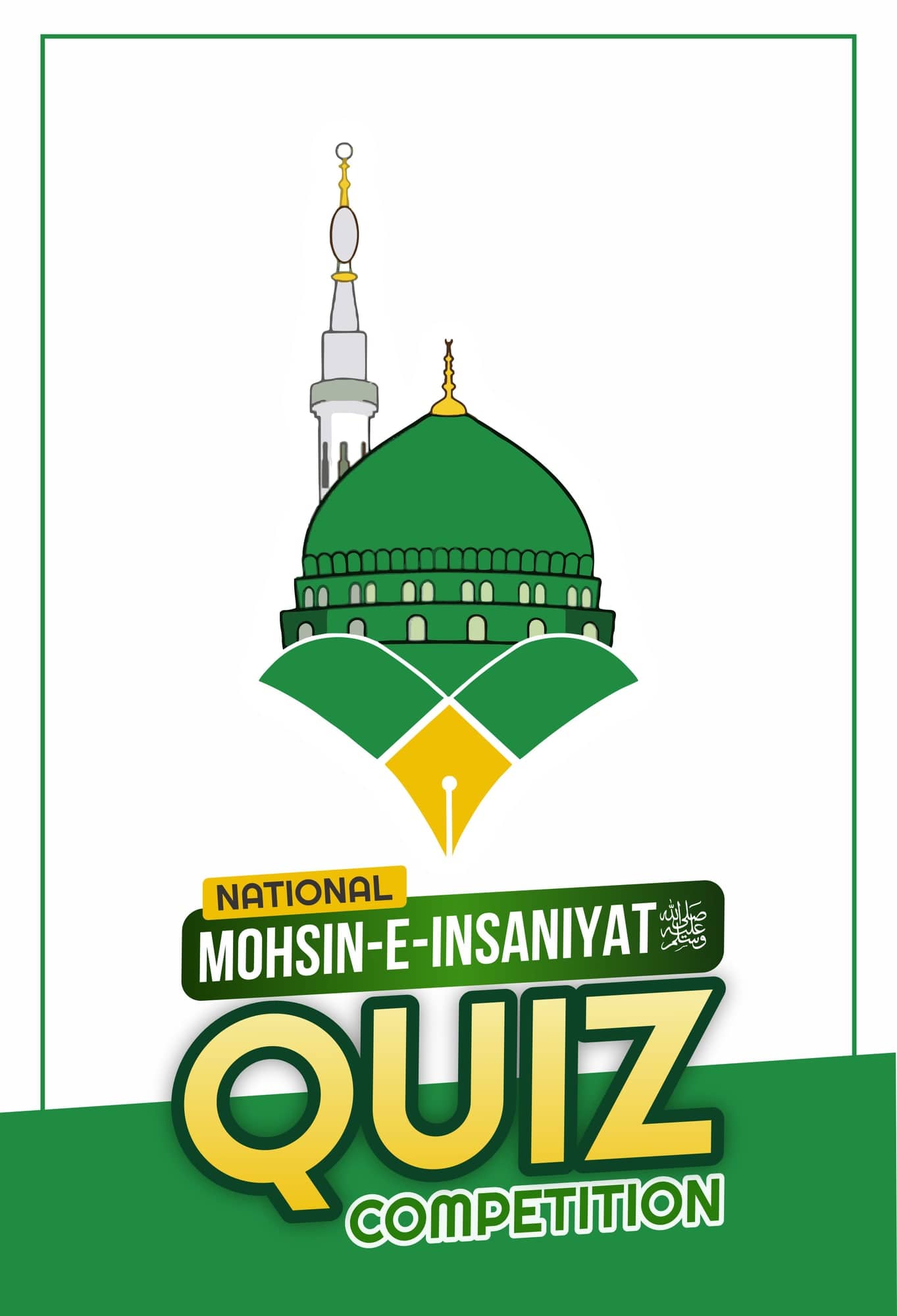
For drawing, Illustrator is ahead. The pen and curvature tools, Shape Builder, clean anchor control, global swatches and a mature Appearance panel give more control over a logo or an illustration. Drawn logotypes like the National Narrative Summit mark depend on carefully shaped paths and optical correction, and Illustrator makes that comfortable.
Logos are an Illustrator job for me
For a brand that will later go to agencies, web developers or a packaging supplier, I deliver the master logo from Illustrator as AI, EPS, SVG and PDF.
How do you move files between CorelDraw and Illustrator?
File exchange is the part nobody explains to junior designers.
- CorelDraw to Illustrator: export as PDF (or AI) from CorelDraw. Open in Illustrator and check gradients, transparency, clipping (PowerClip) and any text.
- Illustrator to CorelDraw: save a PDF-compatible AI file or a PDF, then import into CorelDraw. Outline type first unless the other side has the same fonts.
- Colour: set both programs to the same CMYK profile before you start, or the same swatch will look different on each screen. Expect some CMYK drift at the printer either way, and ask for a proof on big runs.
- Effects: drop shadows, lenses and mesh fills rarely survive the trip intact. Flatten or rebuild them on the receiving side.
Checklist
Before sending a file from either program
- Document in CMYK, with the size the printer asked for
- Bleed added (usually 3 mm for small print, more for panaflex per the shop)
- All text converted to curves or outlines, including Urdu
- Linked images embedded and at suitable resolution
- CDR saved down to the shop's CorelDraw version, or a PDF exported
- A JPG preview sent on WhatsApp so the operator can compare
What is the verdict on each?
Verdict
CorelDraw
- Best for
- Print collateral, panaflex, event kits and any job going to a local Pakistani press shop that works in CDR
- Skip it if
- Your clients are agencies or overseas brands, or most of your work is logo design and detailed illustration
Verdict
Illustrator
- Best for
- Logos, brand marks, vector illustration, packaging masters and work for agencies or international clients
- Skip it if
- You only prepare print files for local shops and cannot justify a monthly dollar subscription
So which one should you learn first?
If you are starting out in a small city and your first clients will be schools, shops and event organisers, start with CorelDraw. That is what your printers speak, and you will get paid work sooner. Add Illustrator once you have logo or illustration clients who need clean master files.
If you are aiming at agencies, remote work or packaging for larger brands, start with Illustrator and learn enough CorelDraw to open, fix and save down a CDR when a local printer asks for one.
Either way, the skill that carries over is file discipline: CMYK, bleed, outlined type and a clear conversation with the printer. The software choice matters less than getting those right on every job.
FAQ
Questions people ask.
Do printers in Pakistan only accept CDR files?
Many local press and panaflex shops prefer CDR because their operators work in CorelDraw and can fix sizes or text at the counter. Most will also accept a properly made PDF. Ask the shop which CorelDraw version they run and save down to it, or send an outlined PDF with bleed so nothing needs editing.
Can Illustrator open a CDR file?
Not in any dependable way. Modern CDR files are not a format Illustrator reads well, so the practical route is to export from CorelDraw as PDF, EPS or AI and open that in Illustrator. Check gradients, transparencies and text afterwards, since those are where conversions usually break.
Which is better for Urdu text, CorelDraw or Illustrator?
Both can set Urdu if you use a proper Unicode font and turn on right-to-left settings. Illustrator's Middle Eastern and South Asian composer handles Nastaliq joining more predictably in my experience. In CorelDraw, test the font first and convert Urdu text to curves before sending the file to any printer.
Is CorelDraw cheaper than Illustrator?
Over several years it often is, because CorelDraw still sells a one-time perpetual licence while Illustrator is subscription only. Prices change by region and promotion, so compare the current figures on both official stores, and remember your bank will add its own foreign exchange charges on a dollar payment.
From reading to doing
Want Kashif to handle this for you?